Mejl app iconAI email client for Mac

Email that sounds
just like you

A full email app for Mac with local AI. Connect Gmail or Outlook and manage your inbox in Mejl — it learns your writing style, so every draft sounds like you wrote it.

Runs locally by default Works offlinemacOS 13+Free to try

Runs locally by default. No compliance headaches, no data training, no IT conversation needed. Local AI works offline; you just can't send or receive new mail without a connection.

Private by design,
not by policy.

The AI runs on your Mac — no queries reach a server, no usage data is logged, and no third-party processor is involved. Every model we recommend is open source, so the output is yours outright, with nothing for IT to review or approve.

What cloud AI email apps can't offer

Cloud AI tools add a third-party data processor to your setup — which means a DPA to sign, a vendor to assess, and a transfer to disclose. Mejl's AI runs locally. None of that applies.

No data in transit

When you draft in Mejl, your text is passed to a local model — not to an AI endpoint. There is no network request to any AI server. Your email content goes to your email provider as normal, and nowhere else.

No logs, no telemetry, no tracking

We don't collect usage data, we don't log your drafts, and we don't send anything to our servers — because we don't have any. Everything stays on your Mac. We have no way to see what you write, and we've built it that way on purpose.

Open source models, output you own

Every model we recommend is open source. There are no proprietary terms over what the model generates — the output is yours, with no ambiguity. Safe to use for client work, internal documents, and anything else that matters.

Your writing. Your AI.
Your Mac.

Fast, clean, and built for how you actually work — the AI is there when you want it, out of the way when you don't.

Learns your voice

Your sent mail contains thousands of examples of how you write. Mejl reads them — learning your sentence length, vocabulary, level of formality, how you sign off — so replies sound like you wrote them.

Context-aware replies

Before you draft, Mejl pulls up emails you sent on the same topic — so your reply is consistent with what you've said before and informed by history you'd otherwise have to dig for.

AI on your terms

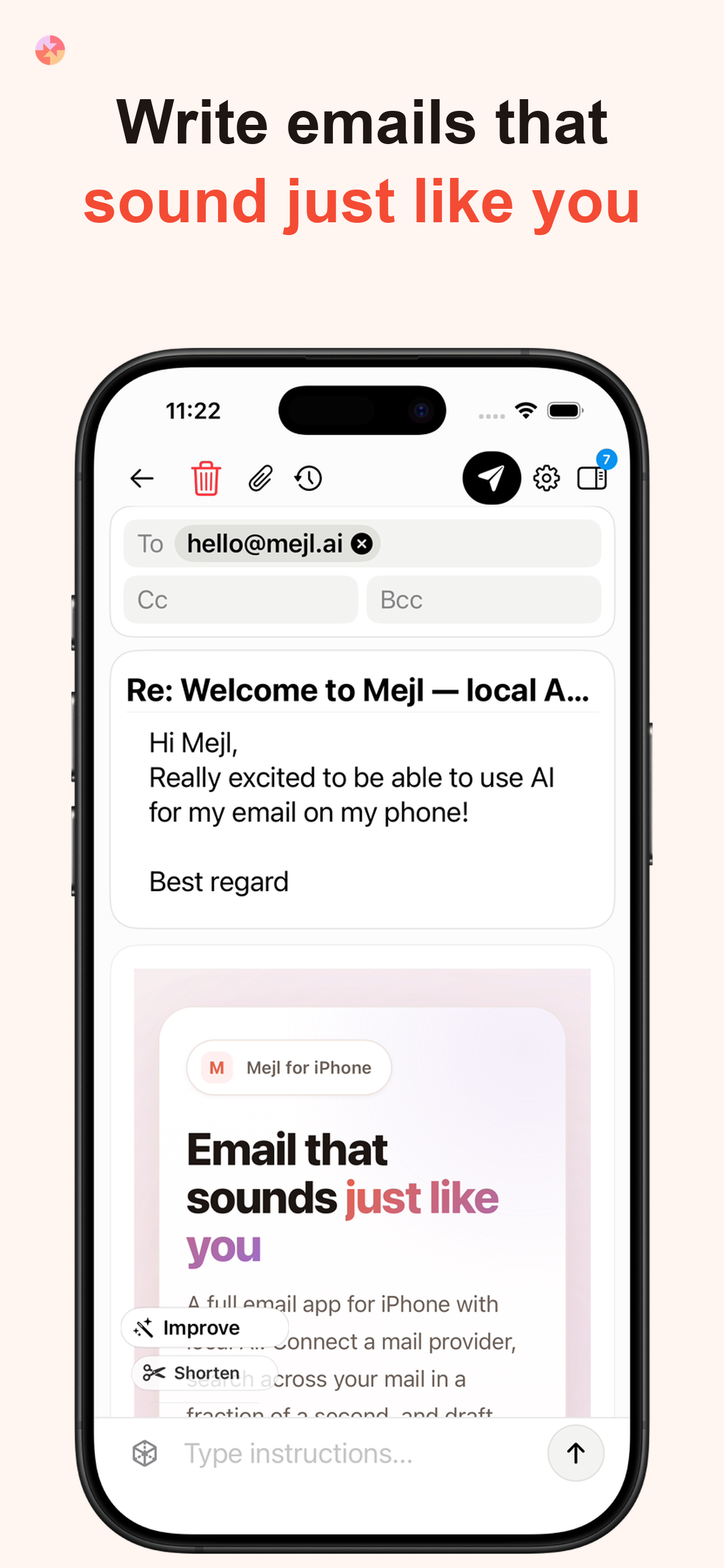
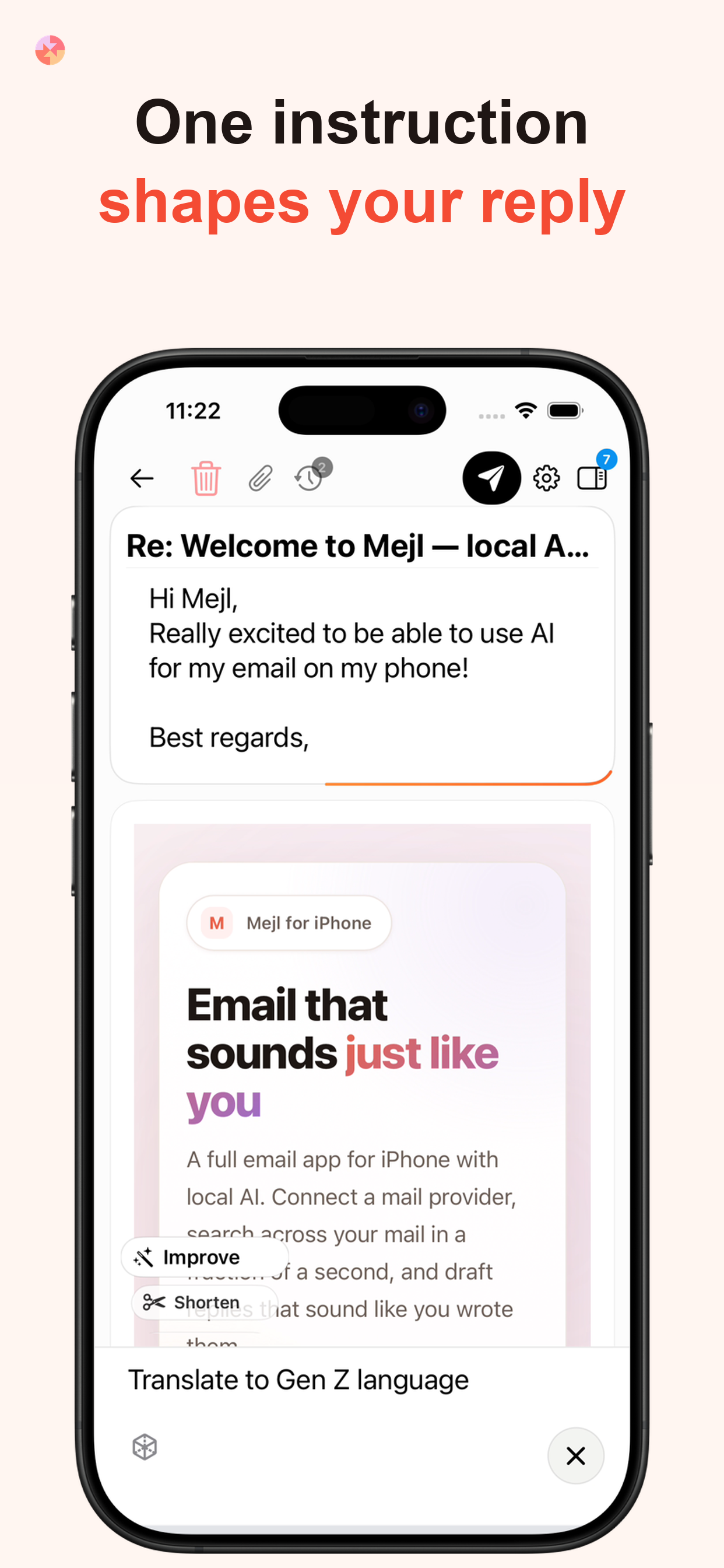
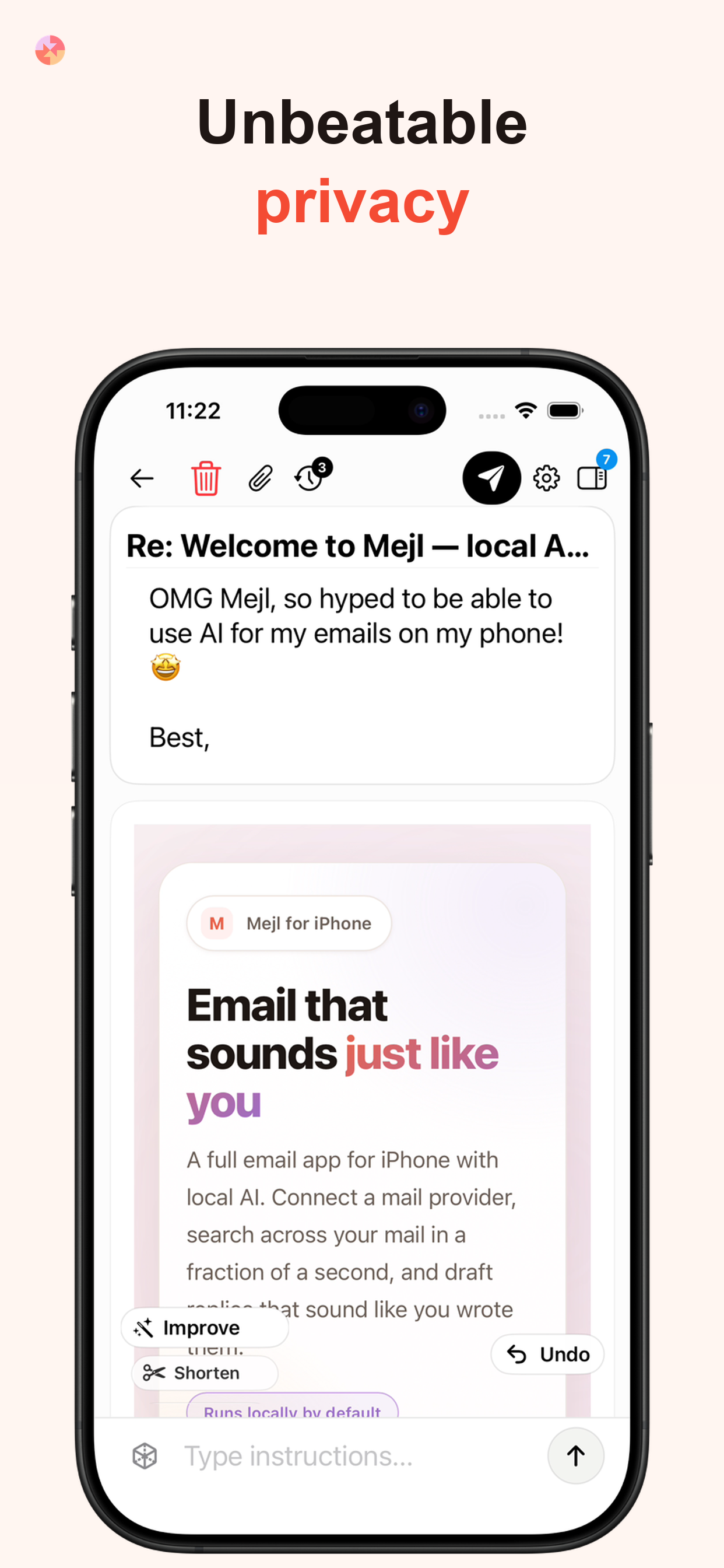
Type instructions like "make this shorter" or "more direct, skip the pleasantries" and the draft updates live. You steer the direction — the AI does the rewriting.

Local AI by default

The AI processes your email on your Mac — nothing leaves your device. No compliance exposure, no data retained by a third party.

Google & Microsoft

Connects to Gmail, Google Workspace, Outlook, and Microsoft 365. Run multiple accounts side by side — personal and work in one window.

Your model, your choice

Load any .gguf model file directly in Mejl. We recommend starting points based on your RAM, or you can choose any compatible model you like.

What Mejl feels like in practice

The same local-first workflow shown in the App Store screenshots, with a bit more detail on what each part of the product is actually doing for you.

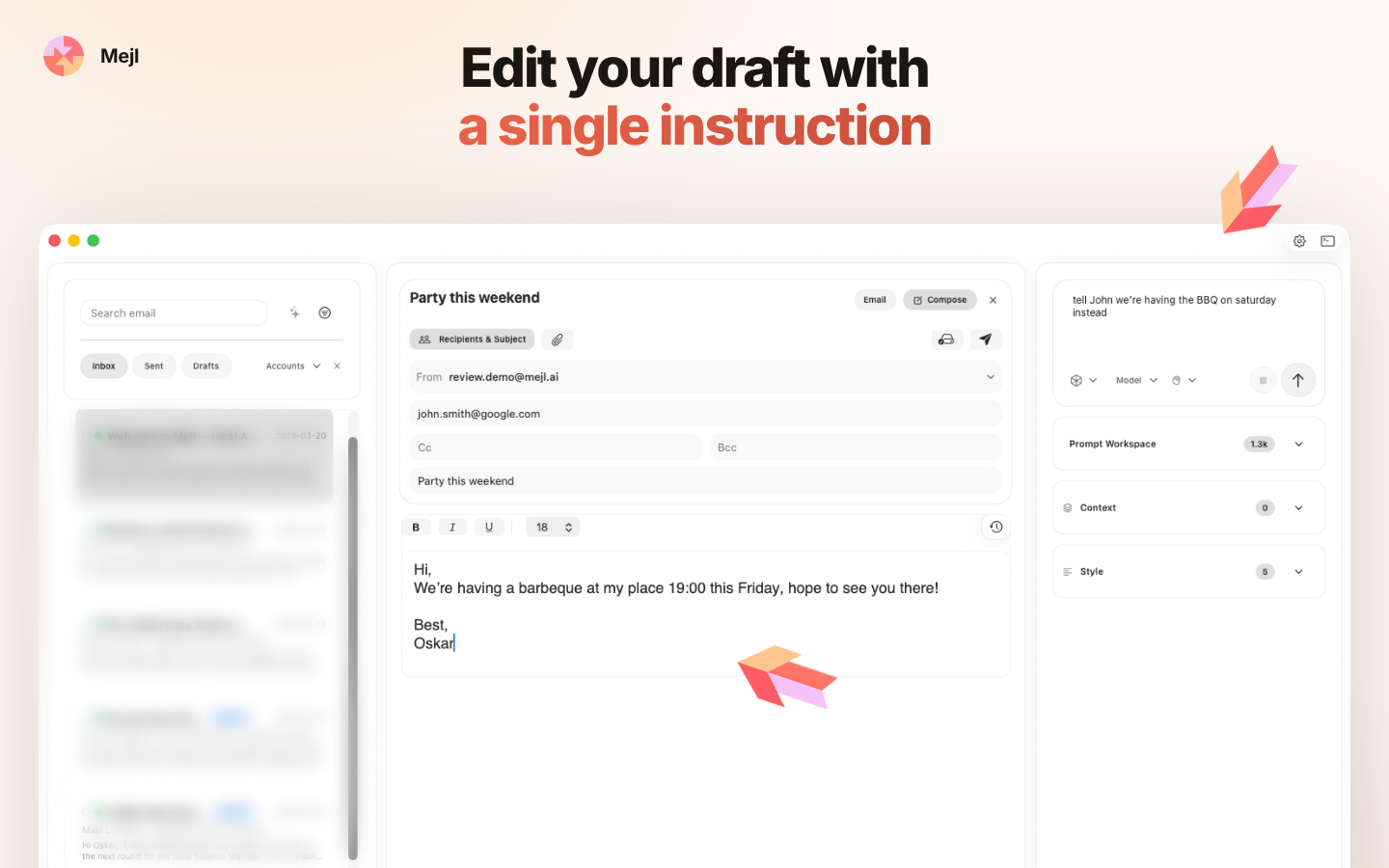
Edit your draft with a single instruction

Drafting

Edit your draft with a single instruction

Open a message, generate a first draft, then steer it in plain English. Tell Mejl to make it shorter, warmer, firmer, or more direct and it rewrites the draft immediately without making you start over.

Save the prompts you actually use

Templates

Save the prompts you actually use

Turn recurring instructions into reusable templates for approvals, follow-ups, declines, or quick acknowledgements. Your favorite prompt patterns stay one click away inside the same compose workflow.

Search by meaning, not just by words

Search

Search by meaning, not just by words

Surface the right thread even when you do not remember the exact phrase, sender, or subject. Mejl combines fast local search with semantic retrieval so the important email shows up before you lose momentum.

Find any email
in milliseconds

Outlook's search is notoriously slow — often slower than just scrolling through your inbox. Mejl's responds in around 300 ms. By the time you've finished typing, the results are already there.

Instant keyword search

Results appear as you type — across subject, sender, and body. No indexing delay, no spinner, no waiting.

Semantic search

Search by meaning, not just matching words. Ask "emails about the Q3 budget" or "that thread where Anna pushed back" and surface the right conversation even if those exact words never appeared. Powered by local embeddings — nothing leaves your Mac.

emails about the Q3 budgetSemantic
Anna Lindgren2d ago

Re: Q3 budget review — follow-up

I went through the numbers and there are a few line items I think we should revisit before the board meeting...

Finance Team1w ago

Q3 actuals vs forecast

Please find attached the full breakdown. Marketing came in 12% over, which will need sign-off from...

Marcus Eriksson2w ago

Budget sign-off needed by Friday

Hi team, just a reminder that we need the department heads to approve their sections before end of week...

Results in ~300 ms

Local by default.
Fully in your control.

Simple to get started

Running a local model is simpler than it sounds. We recommend one model based on your Mac's RAM — download the file, add it in Mejl, and you're ready. No configuration, no accounts, no cloud setup.

See recommended local AI models for Mac →

Your prompts, your templates

Edit the prompt Mejl uses to generate drafts, or build your own templates for different situations — formal replies, quick acknowledgements, follow-ups. The AI works the way you tell it to.

From inbox to send
in seconds

Your inbox and AI in the same window. Read, compose, and send without switching tabs or pasting between tools — and without your email ever leaving your Mac.

01

Connect your account

Sign in with Google or Microsoft.

02

Mejl reads your sent mail

Mejl scans a sample of what you've already sent — not your whole inbox, just enough to learn how you write. It picks up your sentence length, vocabulary, how formal you tend to be, and how you sign off. All of this stays on your device.

03

Open an email to reply

When you open a thread, Mejl surfaces relevant past emails alongside it — other conversations with the same person, previous messages on the same topic. You're writing with context, not from memory.

04

Refine until it sounds right

Mejl drafts a reply in your style. Type "make this shorter", "less formal", or "cut the pleasantries" and it updates immediately. Keep going until it reads the way you'd have written it.

Mejl app icon

Your inbox.
Your voice. Your Mac.

Connects to Gmail and Outlook. Setup takes about 2 minutes.

Download Mejl for Mac

Requires macOS 13 Ventura or later